WINDOWS 10/11 // AOT // DESKTOP NATIVE

SYS:: PULSE_

A native Windows dashboard that lives between your wallpaper and your icons. Every sensor your machine exposes — painted onto the desktop itself, not in a window you have to alt-tab to.

1000+ SENSORS · SUB-MS BRIDGE · PROMETHEUS NATIVE · 240 FPS DESKTOP CHARTS

3msCURSOR LATENCY
240fpsDESKTOP CHARTS
1xDEV · NO TEAM
0%PHONING HOME
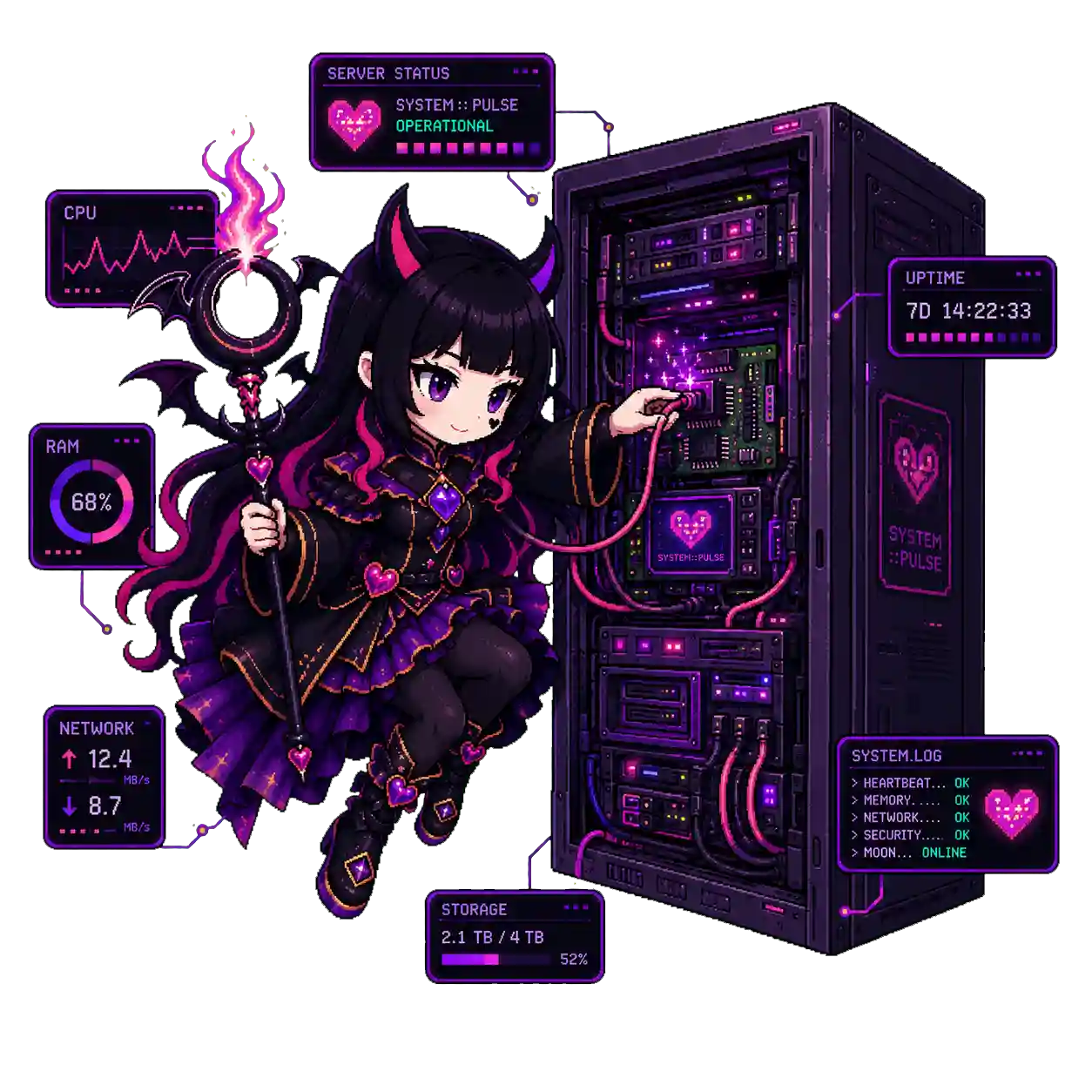
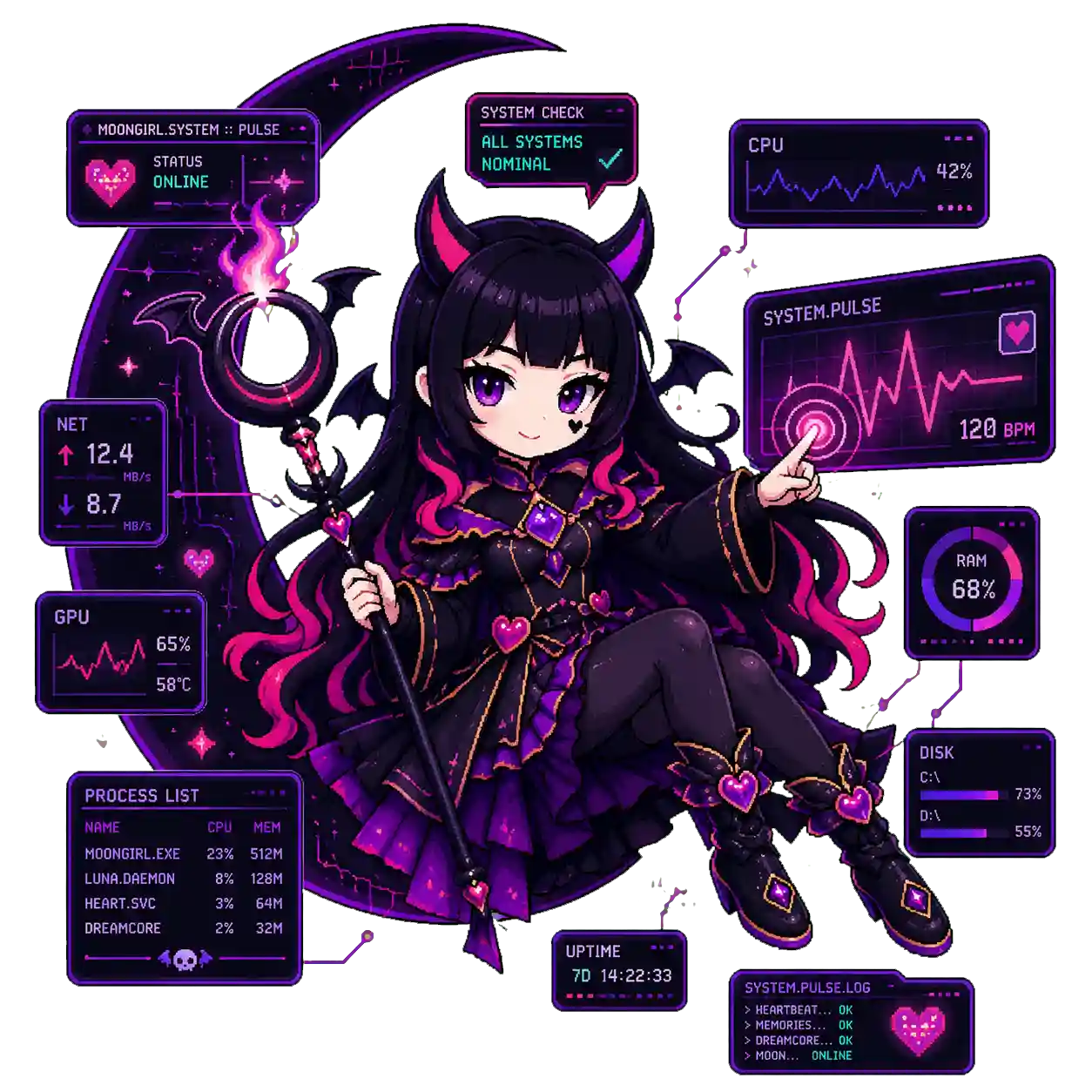
SysPulse mascot with floating widgets
// HWiNFO AIDA64 NVML MSI AFTERBURNER RAW COUNTERS ICMP PINGS AUDIO SESSIONS MEDIA META WEATHER CURRENCY PROMETHEUS /metrics GRAFANA READY VANILLA JS PLUGINS 27 THEMES // HWiNFO AIDA64 NVML MSI AFTERBURNER RAW COUNTERS ICMP PINGS AUDIO SESSIONS MEDIA META WEATHER CURRENCY PROMETHEUS /metrics GRAFANA READY VANILLA JS PLUGINS 27 THEMES

Widgets behind your icons.
Not on top of them.

sys::pulse — desktop surface · MONITOR_1 · 3840×2160
● z-order: below shell, above wallpaper
CPU // 9950X3D●●●
42%
GPU // RTX 409072°C
88%
NET // ↑↓WAN
412Mb/s
UPTIMESYSTEM
14d 06h 22m
This PC
Bin
Steam
{ }
VSCode
Discord
Obsidian
OBS
FL Studio
Spotify
ICONS — your shell, untouched, clickable, draggable
WIDGETS — sys::pulse layer, click-through holes carved around icons
Z-INDEX: shell > sys::pulse > wallpaper

Numbers,
not vibes.

// CURSOR EFFECT // INPUT→PIXEL RESIDUAL
3–5ms
DIRECT D3D11 + DIRECTCOMPOSITION PATH

Native cursor trail at high refresh, no browser compositor in the loop. The kind of thing you don't see — you only stop seeing it once it's gone.

vs. browser-compositor overlays: 30–50ms · ~10× tighter
// BRIDGE RTT
<1ms
LOCAL WIDGET ROUND-TRIP

Sensor → bridge → paint. Sub-millisecond, every tick. The pipe is a memory page, not an HTTP request.

// COLD LAUNCH
~2s
FIRST PAINT // SINGLE BINARY

AOT-compiled. Self-extracts on first launch. No .NET runtime, no Electron, no Java warmup, no installer wizard.

// LOAD
~1%
CPU @ IDLE · DUAL 180Hz

~2% with cursor effect running on both monitors. ~80KB per Prometheus scrape. Filter client-side like an adult.

// SCALE
1000+
SENSORS / SCRAPE

Pulled from HWiNFO, AIDA64, NVML, Afterburner, raw counters, ICMP pings, audio sessions, media metadata, weather, currency.

Speaks Prometheus
out of the box.

Drop a scrape_config.
You're done.

Every sensor sys::pulse can read — and there are ~1000 of them — is exposed on a /metrics endpoint your existing Prometheus instance already knows how to eat.

And the inverse works too. Pull any series from any Prometheus instance on your network, render it as a chart on your desktop at 240 FPS, with the same sub-millisecond bridge. Your Grafana board, painted behind your icons.

// prometheus.yml append
  - job_name: 'syspulse'
    scrape_interval: 15s
    static_configs:
      - targets: ['localhost:9477']
    # ~1000 sensors, ~80KB per scrape
  • Every sensor is a syspulse_* series with rich labels.
  • Histograms for latency-sensitive readings. Counters for monotonic. The right type, every time.
  • Bring it the other way: any PromQL → live chart widget, 240 FPS, on the wallpaper.
// CHART // node_cpu_temp{cpu="0"} 240 FPS · LIVE
SysPulse + Prometheus server rack

Nine rules.
Built by one dev.

FT_01

Lives Behind Your Icons

D3D11 + DirectComposition layer between wallpaper and shell. Click-through holes carved around your icons. They still drag, still double-click.

DESKTOP NATIVE
FT_02

3–5ms Cursor Effect

Native cursor trail at 180Hz+. The kind of latency you can feel even when you can't name. Other tools route through a browser compositor and you can tell.

FEEL THE DIFF
FT_03

Prometheus Both Ways

Export every sensor on /metrics. Import any PromQL series, render at 240 FPS on the wallpaper. Your Grafana board, on the desktop.

METRICS NATIVE
FT_04

Single AOT Binary

No .NET runtime. No Electron. No installer wizard. ~2s cold launch to first paint. Self-extracts and runs.

ONE FILE
FT_05

Plugin SDK is Vanilla JS

Drop a .js into plugins/. It loads. No npm, no build step, no framework purgatory. Hot reload on save.

ZERO CEREMONY
FT_06

27 Themes // Live Swap

Every color is a CSS variable. Switch themes mid-frame. Author your own in 5 minutes. They're just plain text files.

CSS NATIVE
FT_07

Multi-Monitor, Properly

One independent surface per monitor. Different layouts, shared bridge. Designed for 3-panel setups, not retrofitted from a single-screen demo.

FIRST-CLASS
FT_08

Stops When You're Gaming

Detects when the desktop isn't visible. Stops rendering. Zero GPU, zero compositor cost while you're in a fullscreen game. Wakes back up the instant you alt-tab.

FOREGROUND-AWARE
FT_09

DRM-Free // No Phone Home

Single dev. No account, no licence server, no cloud, no telemetry. The store builds and direct download ship the same native app.

YOURS
Knows when you're gaming.
Gets out of the way.

What happens when monitoring software doesn't sleep

Other overlays render at 60 FPS while your game starves for frames.

sys::pulse watches the foreground window. The moment a fullscreen exclusive or borderless game takes over, it stops rendering entirely — zero GPU cycles, zero compositor cost, zero contention for your frame budget. The instant you alt-tab, it's back at 240 FPS like nothing happened.

Your frametime graph stays flat. Your 1% lows stay where they were. The dashboard you forgot was running stays forgotten — but only while it matters.

// SYSTEM IMPACT // PROFILED REAL NUMBERS
IDLE · DESKTOP~1%
+ CURSOR FX · 2x 180Hz~2%
+ 240FPS CHARTS · ALL~4%
FULLSCREEN GAME0%
SysPulse mascot · system critical

Stop alt-tabbing
to a browser tab
to read your GPU temp.

Get it on Steam or Microsoft Store, grab the direct build, or pick it up on itch.io if that's your lane. The same app ships everywhere. Built by one human. No team, no investors, no analytics SDK, no licence server. Just code.

APPNATIVE SIZE~12 MB OSWIN 10/11 · x64 DRMNONE TELEMETRYNONE DEV1 HUMAN ♡
/ / / END OF PITCH / / /